


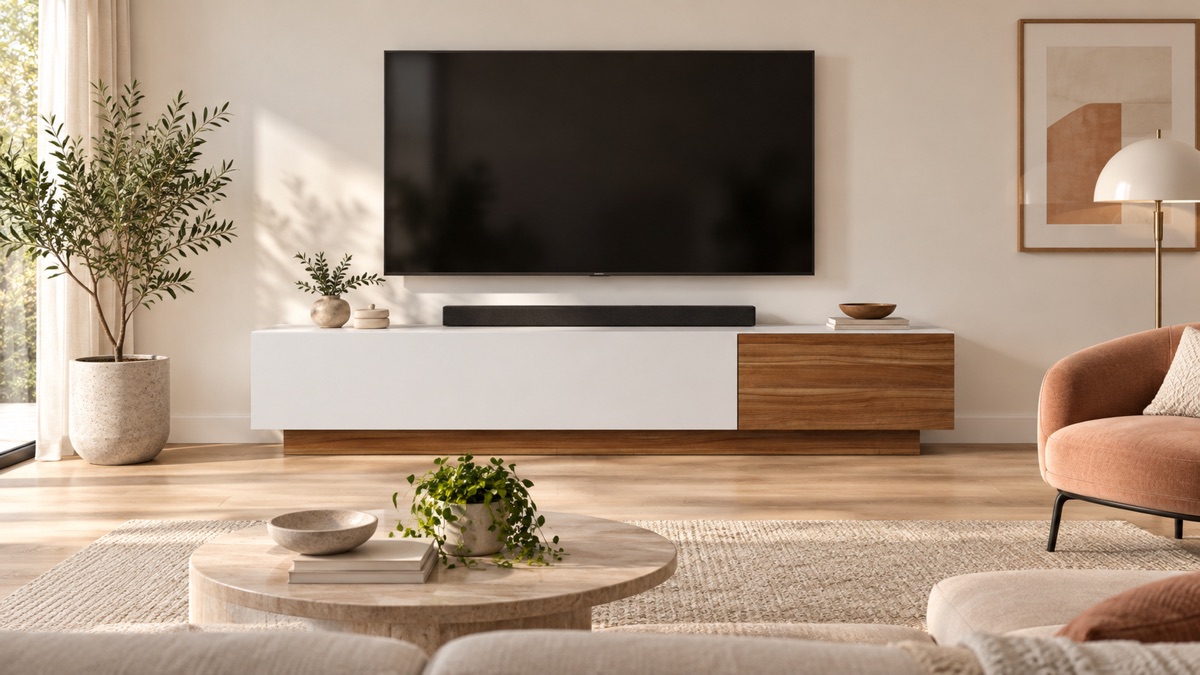
A TV means at least three cables, and usually five: power, an aerial or network cable, HDMI to the set-top box, power for the set-top box, and often a soundbar and router nearby too.
Together they spoil the look of a living room more than any furniture mistake. And people almost always think about them after everything has been set up.
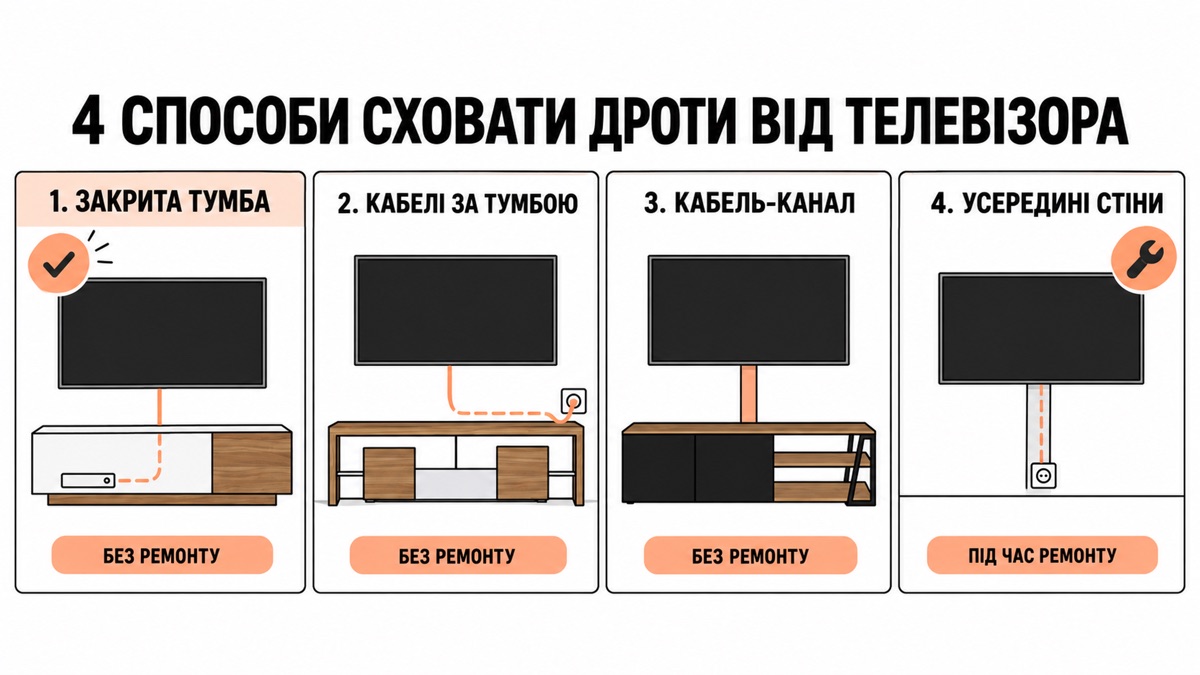
Option 1: a closed TV stand
The simplest and cheapest, because it needs neither renovation nor extra purchases, just the right choice at the furniture stage.
The logic is simple. All the equipment (set-top box, router, extension lead) goes inside the stand behind a solid front. Only what goes up to the TV comes out: one or two cables instead of five.
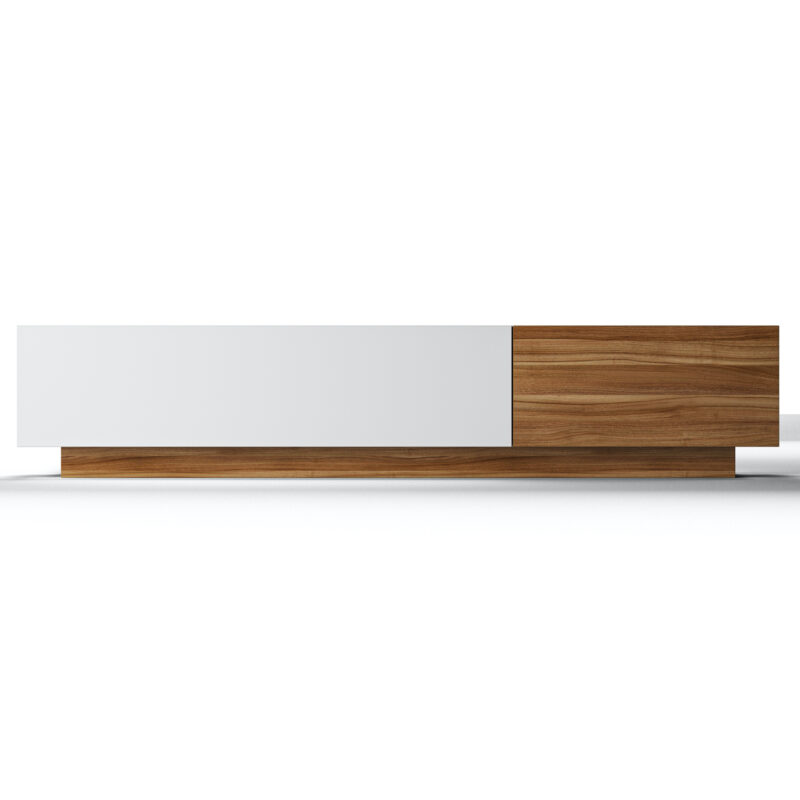
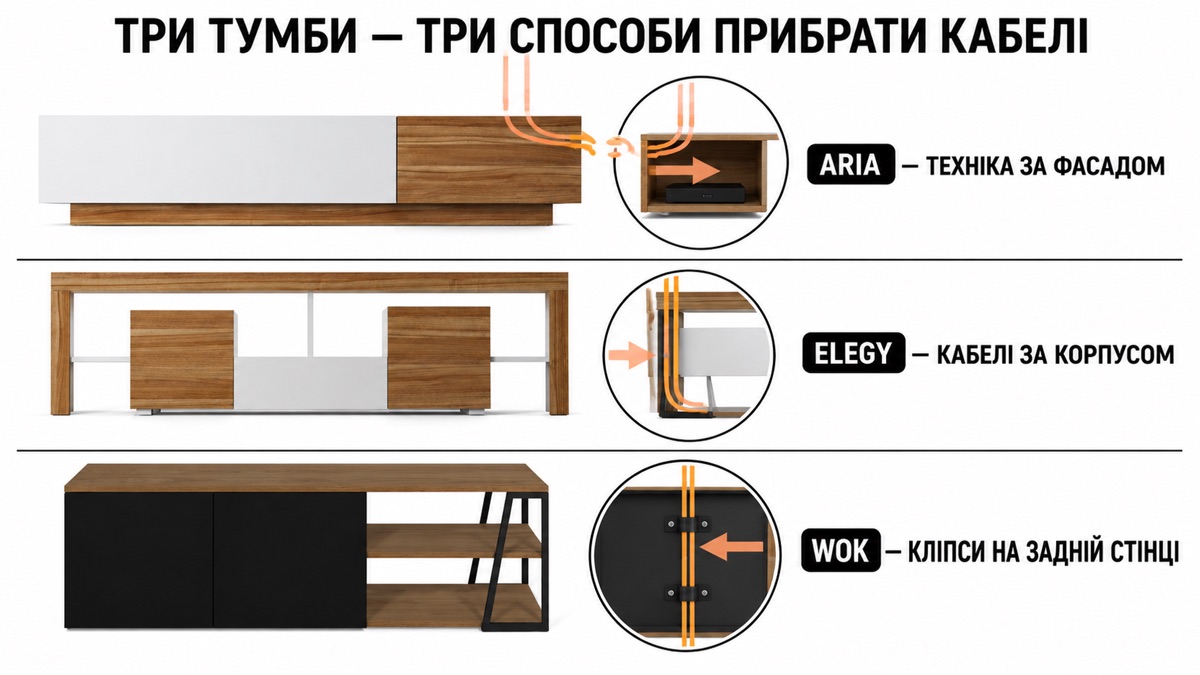
In our range this is ARIA (200 × 38 × 40 cm), a TV stand with closed fronts designed for exactly this scenario, in three finishes: standard, ARIA Black and ARIA WHITE.
What to bear in mind. The equipment inside needs ventilation: the set-top box and router get warm. Don't pack the section tightly, and leave an opening at the back; a well-made TV stand has one.
Option 2: the stand close to the wall, cables behind it
If the stand has open shelves, a different approach works: move the cables not inside, but behind.
A 3–5 cm gap between the stand and the wall is a ready-made cable channel. The cables run down behind the body and along the skirting board to the socket.
The condition. The stand needs to be on legs or on a plinth base with a gap underneath. With models on metal legs (SCANDIE, SOLID, WOK) this comes naturally.
What you'll need. Self-adhesive plastic clips, ₴50–100 a set. The cables are fixed to the back panel of the stand so they don't sag.
Option 3: cable trunking on the wall
For a wall-mounted TV: here the cables run across an open wall, and hiding them in furniture is impossible.
Plastic trunking is fixed to the wall, painted the wall colour, and from a metre away becomes invisible. Cost: a few hundred hryvnias; fitting: half an hour.
A fabric sleeve (spiral or with a hook-and-loop fastening) gathers all the cables into one bundle. Cheaper and quicker, but the bundle is still visible: it is a "less mess" solution, not a "nothing on view" one.
Option 4: inside the wall
Chasing the wall and running cables in a conduit is the only way that leaves nothing visible at all.
It is only done during renovation. After the finishing work it means dust, filler and paint all over the room again.
And here is the main advice of the whole article: if you are renovating now, decide on the TV stand and the TV before the electrician puts in the sockets. Then the socket will end up behind the stand, not a metre away from it, and you won't need any of the previous three options.
Planning furniture during renovation is covered separately: ordering furniture during renovation.
How many sockets to plan for
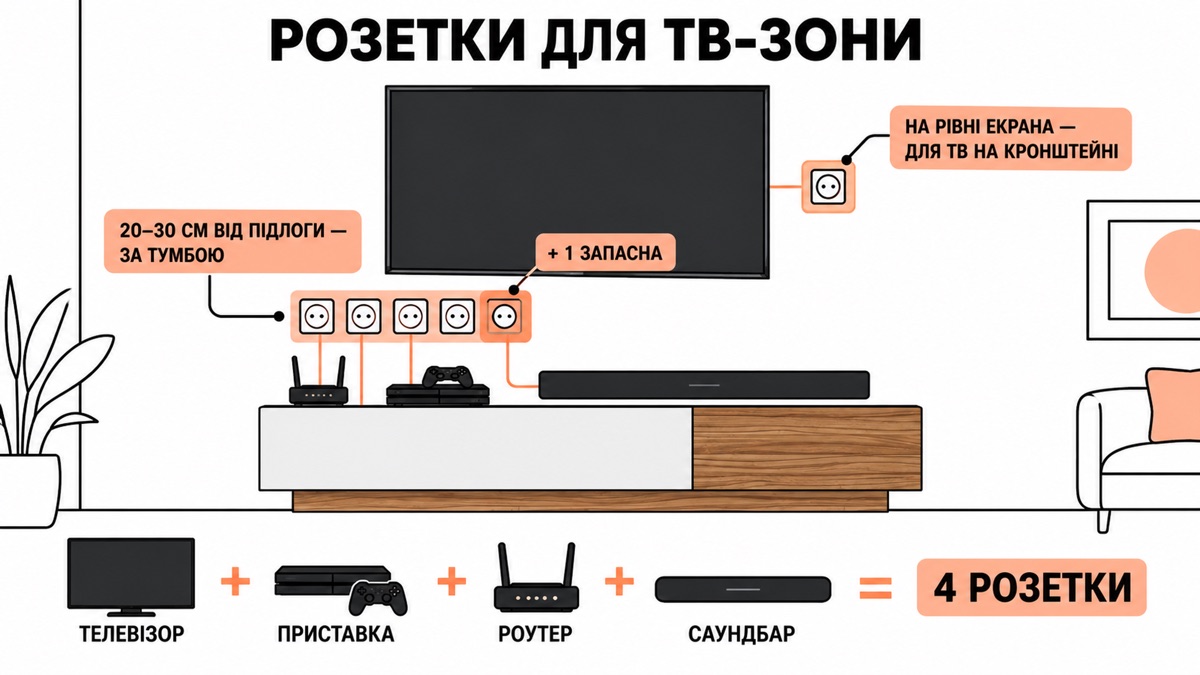
The count is simple: TV + set-top box + router + soundbar = four. Plus one spare.
The most common mistake is one socket and an extension lead that then lies in full view. A block of sockets behind the stand costs next to nothing at the renovation stage and solves the problem for good.
Socket height. If the TV is on a stand, 20–30 cm from the floor, behind the body. If it is wall-mounted, at the level of the TV, so the power cable doesn't hang down the wall.
Small things people notice later
Cable length. The HDMI cable supplied is usually 1.5 m. If the set-top box is in the stand and the TV is on the wall, that won't be enough. Measure before you buy.
Slack for movement. At some point the stand will need to be moved: to clean, to replace the router. Leave 20–30 cm of slack in the cables, or you'll pull the plug out of the socket.
Soundbar. It adds two more cables and sits in front of the screen. On dimensions for it: a TV stand for your screen size.
Read also: how to choose a TV stand for your screen size and chest of drawers or wardrobe.
In brief
- The cheapest solution is a closed TV stand, chosen before you buy, not after
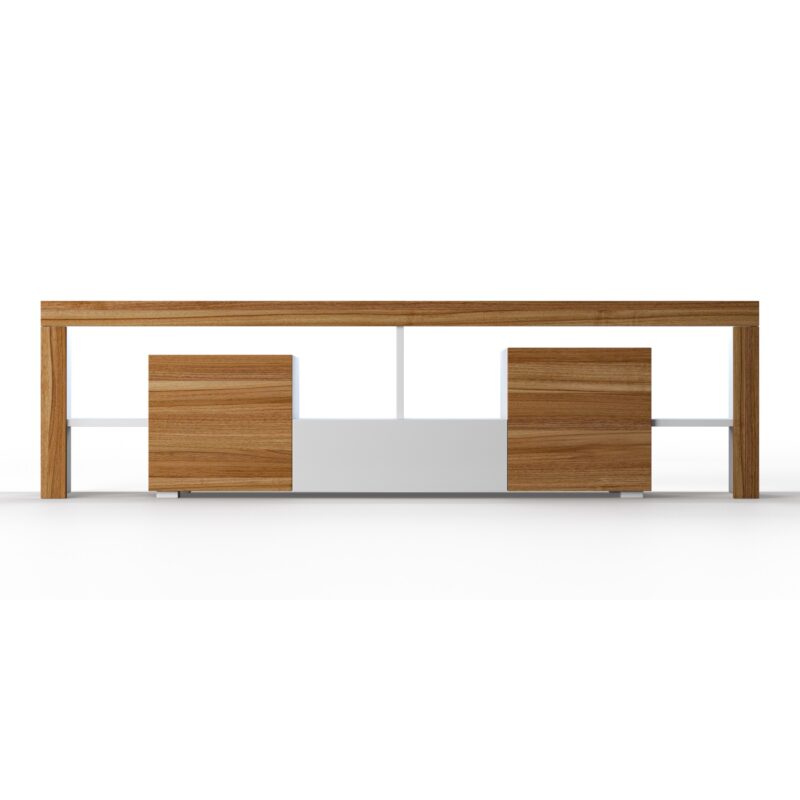
- ARIA in three versions: closed fronts made for equipment and cables
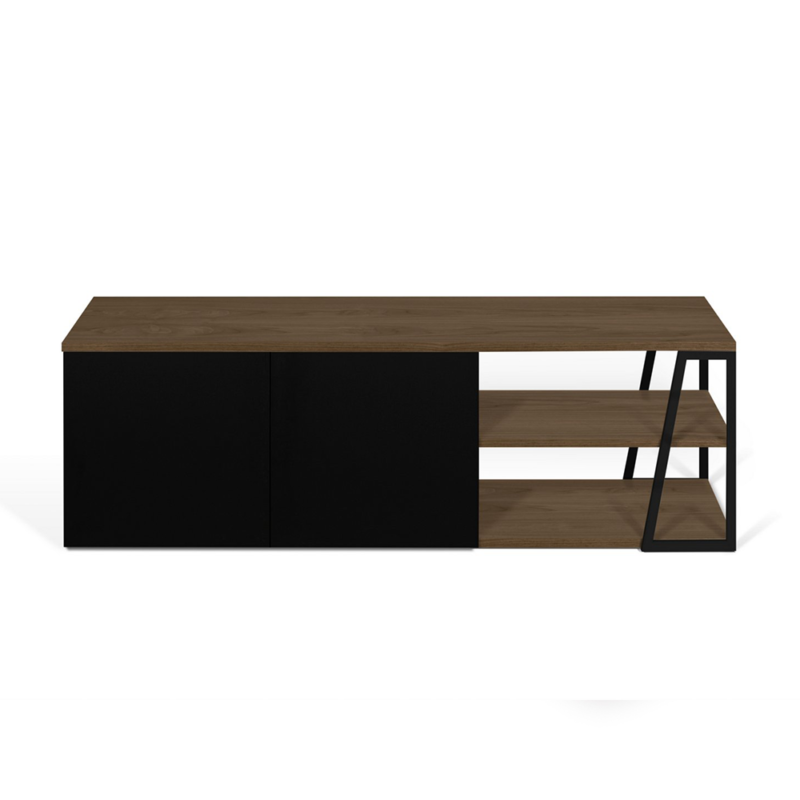
- An open stand on legs plus clips behind the body is a workable budget option
- Chasing the wall only during renovation, and it is better to put the sockets in the right place instead
- Four sockets behind the stand plus one spare
A TV area without a single visible cable starts with the right TV stand.
TV stands →